
Why Use MakeImg.AI for Image to Image
Intelligent Style Transfer
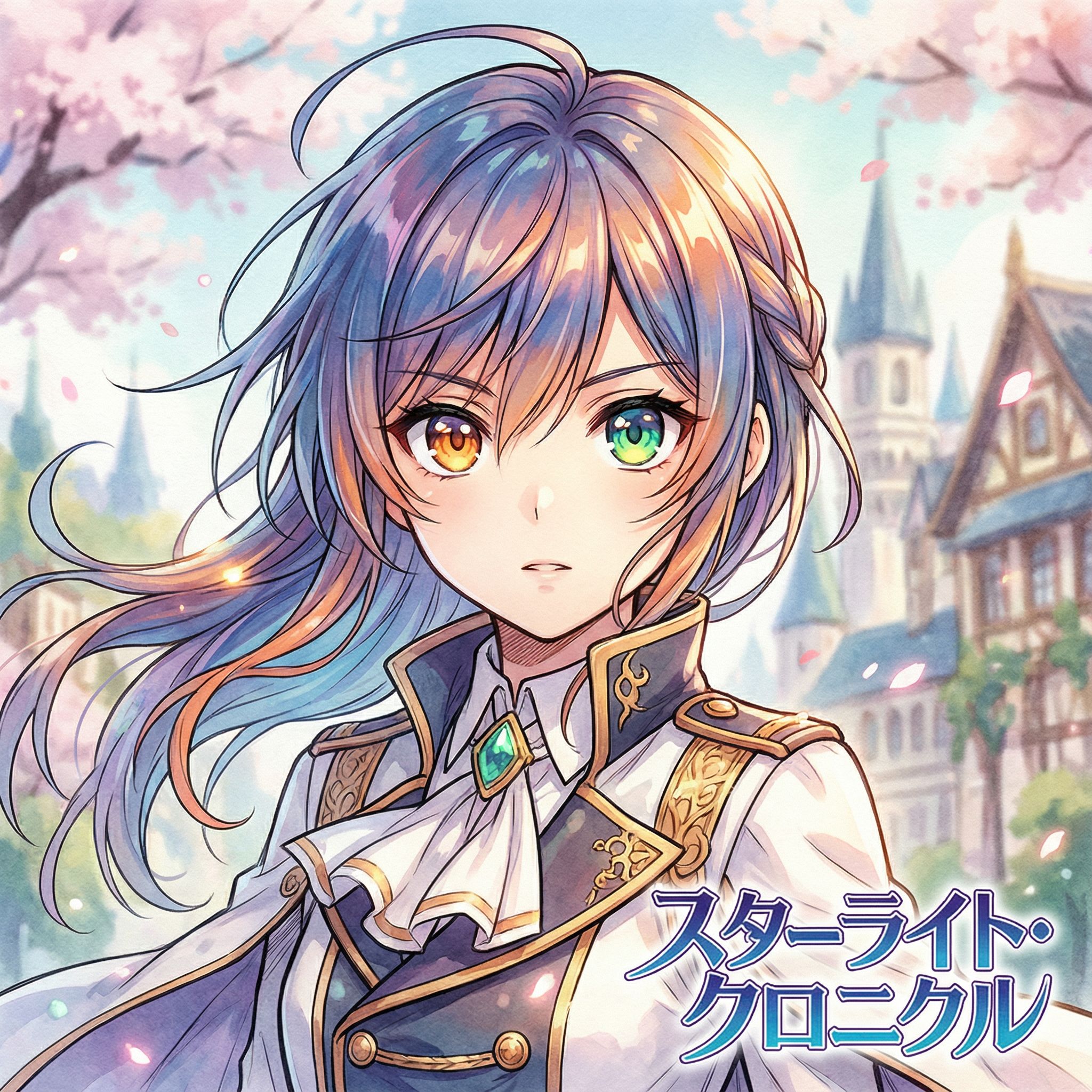
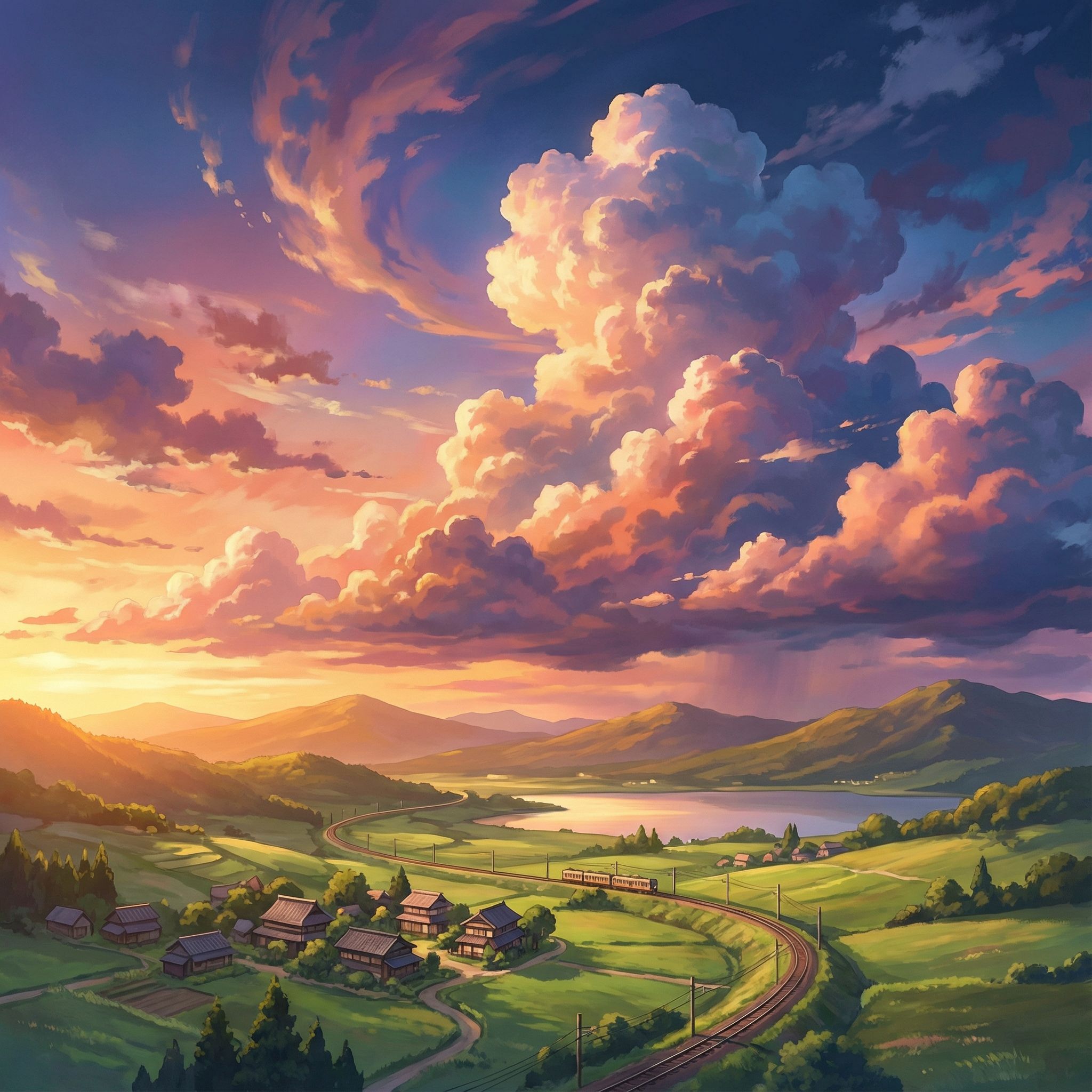
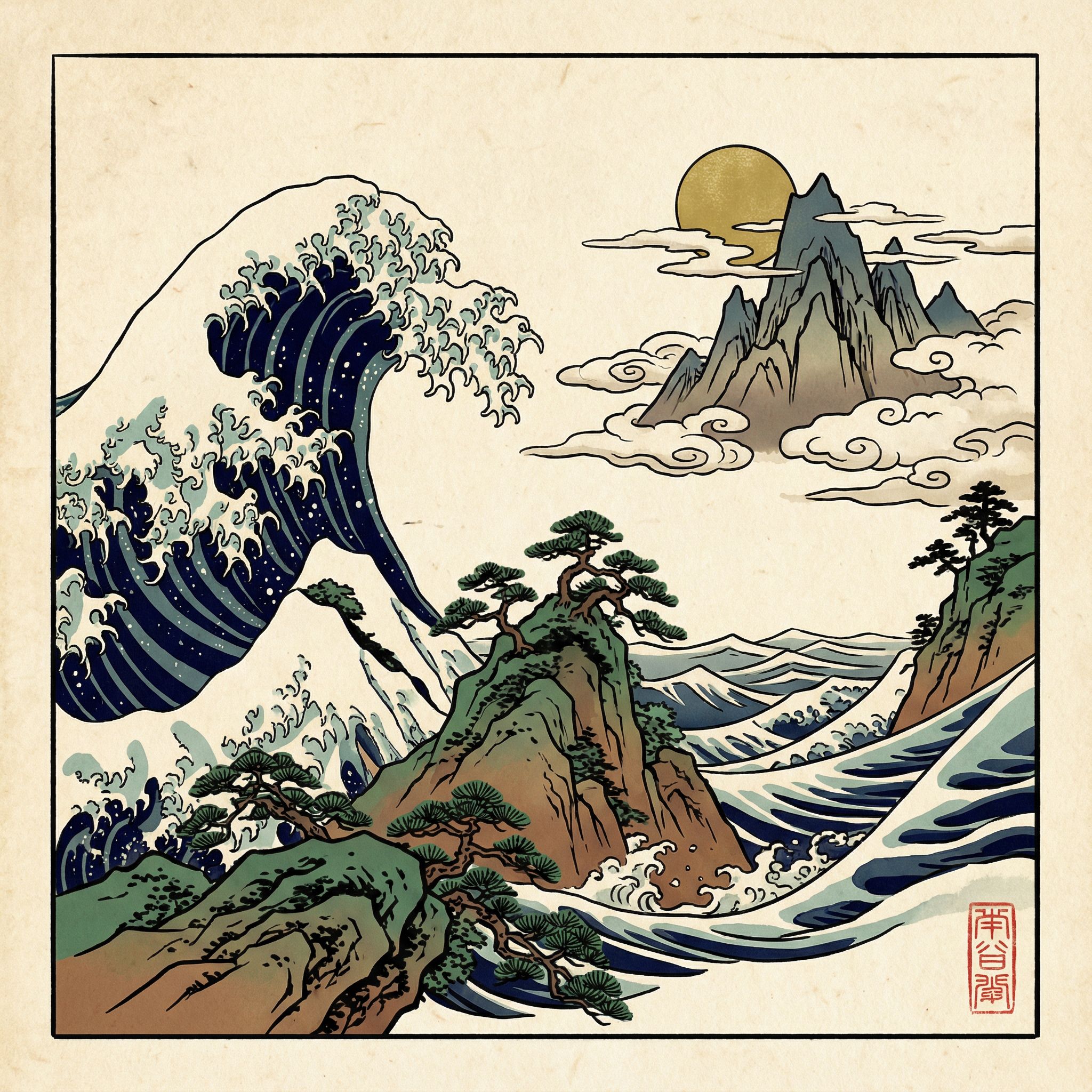
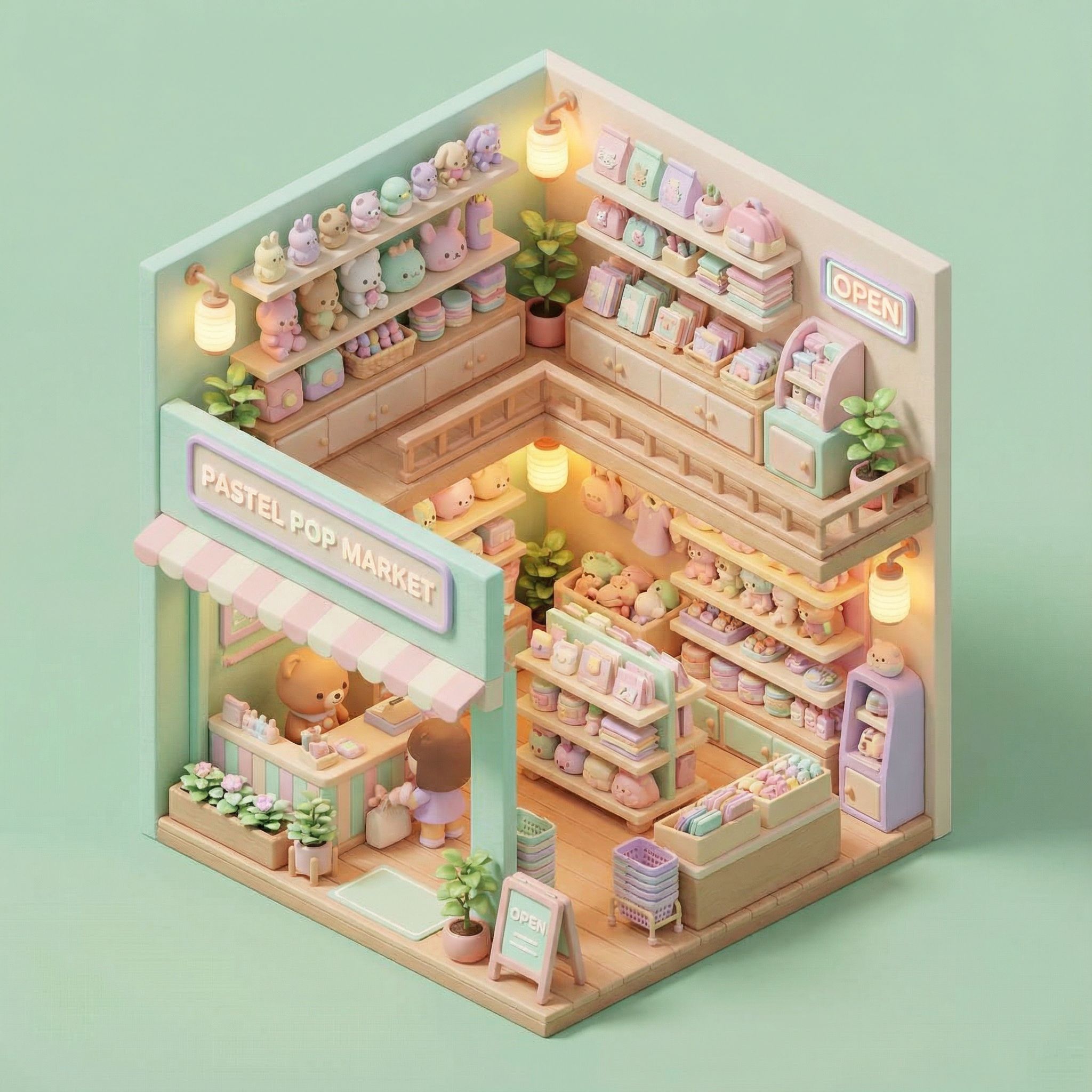
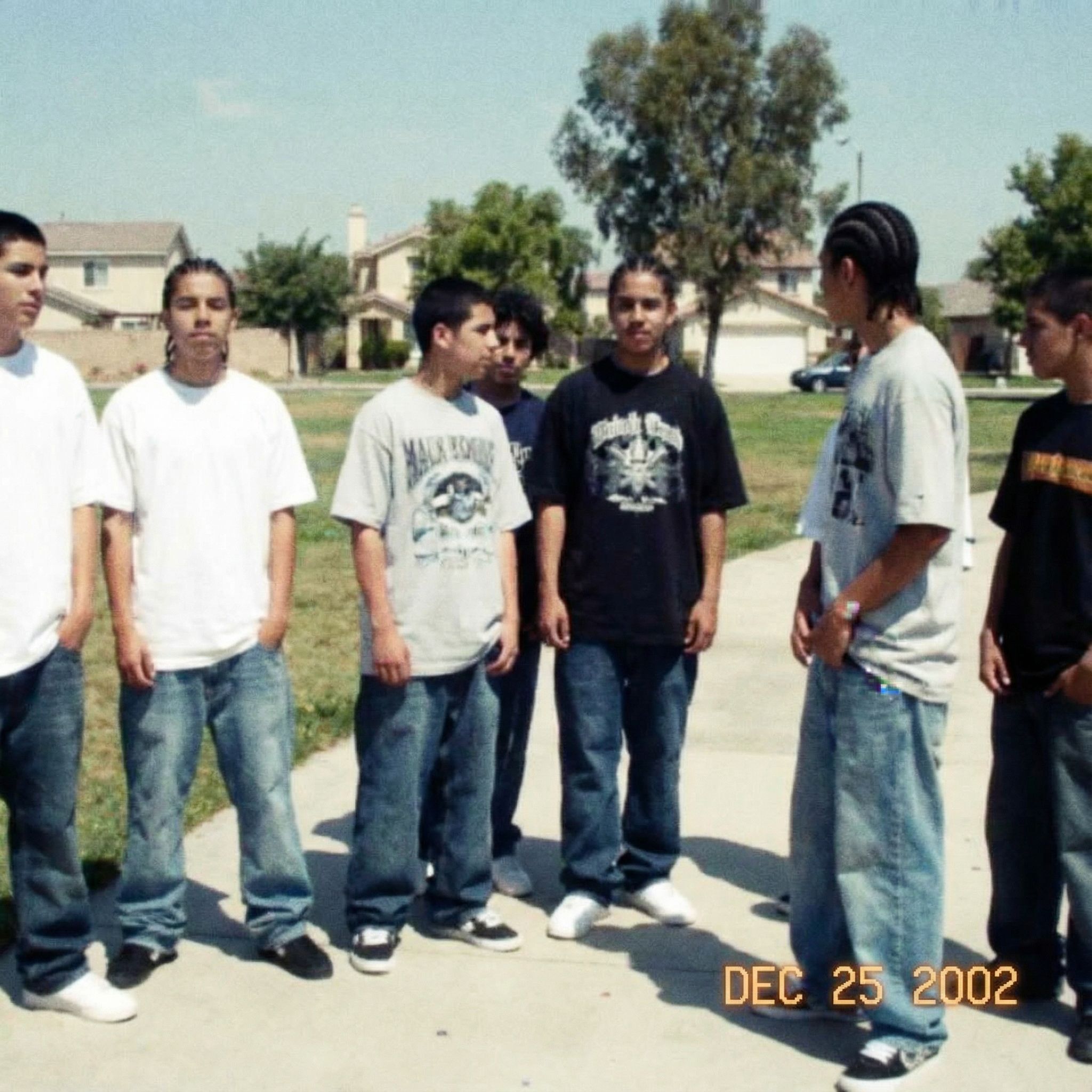
Transform any photo into a different artistic style while preserving the original composition. Convert photographs into oil paintings, watercolors, anime, pixel art, or photorealistic renders. MakeImg.AI's image to image AI understands both structure and aesthetics.
Reference-Based Generation
Upload a reference image and describe how you want it changed. The AI analyzes your source image's layout, subjects, and depth, then generates a new version guided by your text prompt. Perfect for creative exploration and rapid iteration.
Detail Preservation
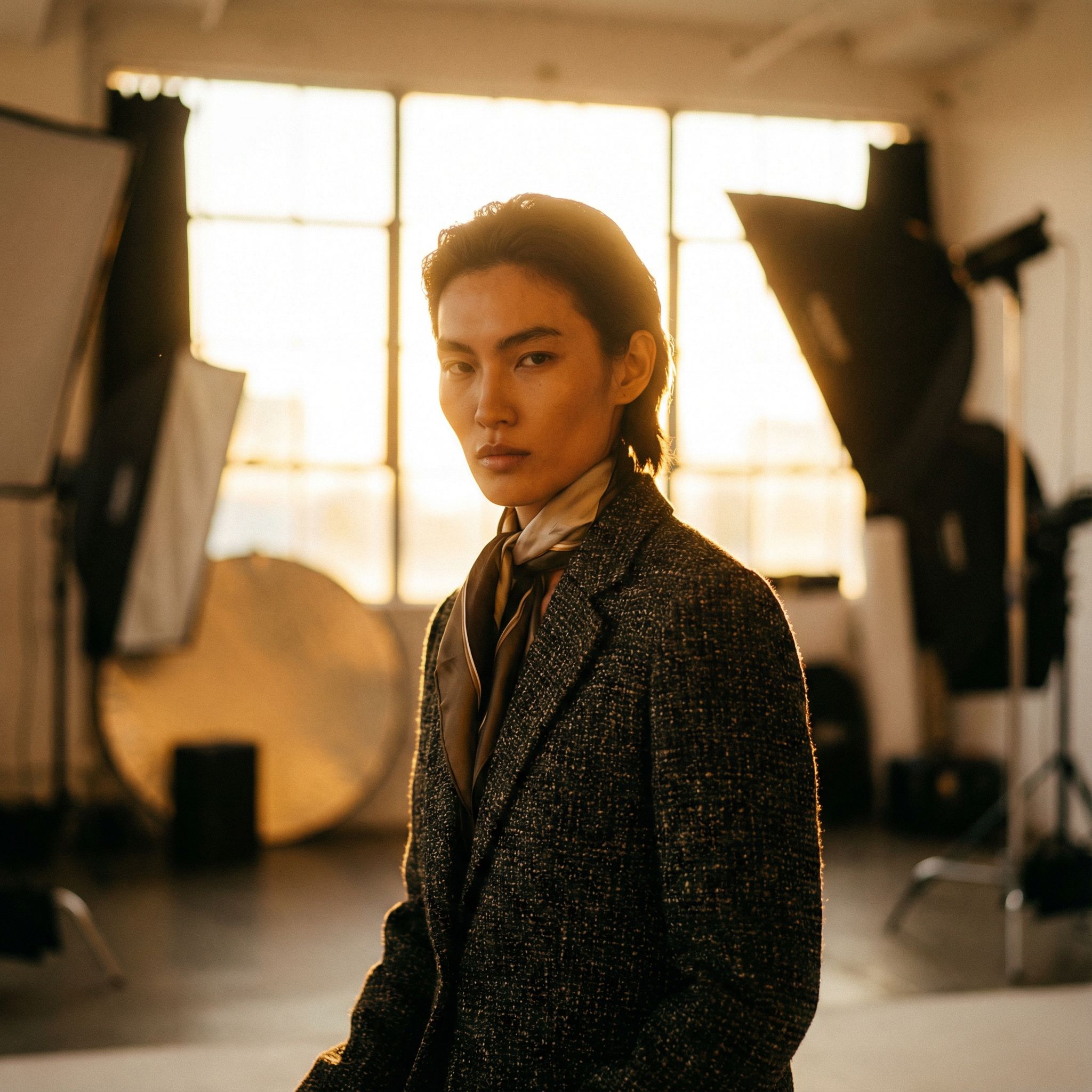
MakeImg.AI's image to image technology intelligently preserves the key elements of your original image. Faces, objects, and spatial relationships remain consistent while the style, lighting, and atmosphere are transformed to match your vision.
Multiple AI Models
Choose from specialized image to image models for different transformation needs. Use Seedream for artistic style transfers, Nano Banana Pro for high-fidelity transformations, or FLUX for photorealistic restyling. Each model excels at different types of image to image conversion.
Batch Transformation
Process multiple images through the same style transformation for a consistent look across your entire project. Ideal for creating cohesive social media feeds, marketing campaigns, or product catalogs with a unified visual identity.
High Resolution Output
Generate image to image results in up to 4K resolution. Your transformed images maintain crisp details and professional quality suitable for printing, commercial use, and large-format displays. No quality loss during the transformation process.
How Image to Image Works on MakeImg.AI
Step 1: Upload Your Reference Image
Start by uploading the image you want to transform. MakeImg.AI accepts JPG, PNG, and WebP formats. Your reference image provides the structural foundation that the AI will use as a guide for the transformation.
Step 2: Describe Your Desired Transformation
Write a prompt describing how you want the image transformed. Specify the target style, mood, color palette, or artistic direction. For example: 'Transform into a Studio Ghibli anime scene with warm sunset lighting and soft pastel colors'.
Step 3: Generate & Compare
Click generate and your transformed image will be ready in seconds. Compare the result with your original, adjust your prompt for different variations, or try different AI models to explore unique transformation styles. Download the final result in high resolution.
Popular Image to Image Use Cases
Artistic Style Transfer
Turn your everyday photos into stunning artwork. Apply the style of famous painters, illustration techniques, or modern digital art trends to create gallery-worthy pieces from ordinary snapshots.
Product Photography Enhancement
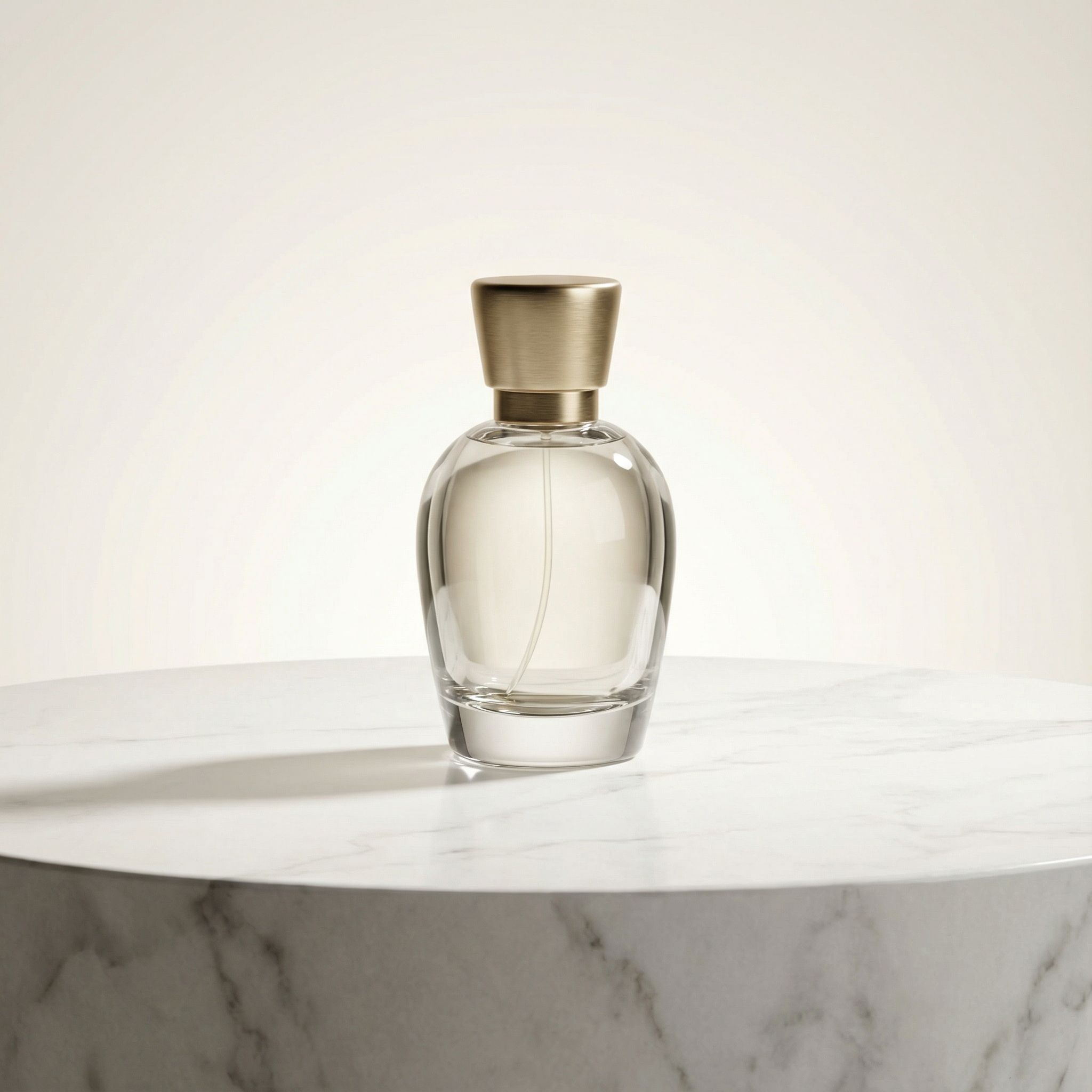
Transform basic product photos into professional studio shots. Change backgrounds, adjust lighting, and enhance details to create compelling e-commerce imagery without expensive photoshoots.
Content Repurposing
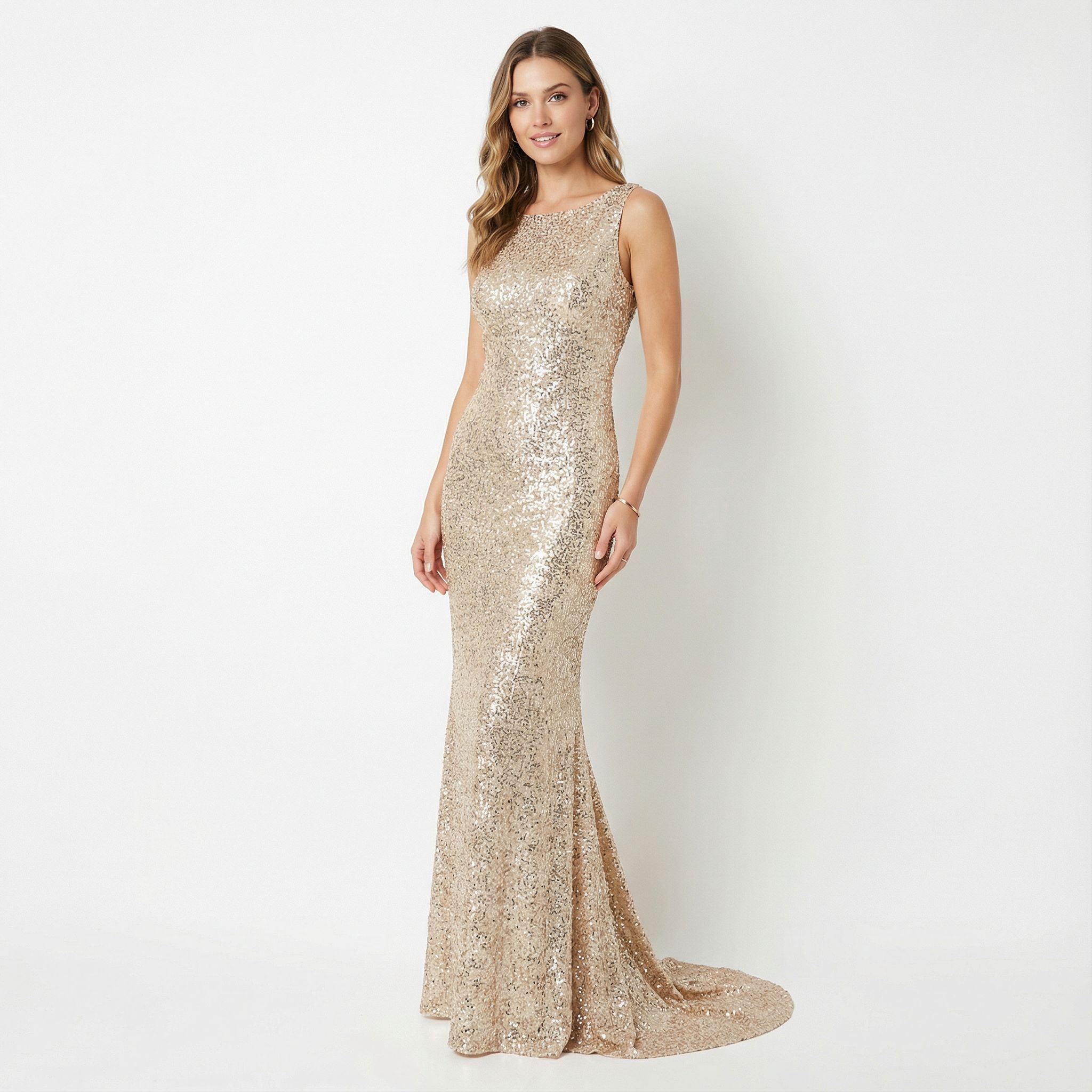
Restyle existing images for different platforms and audiences. Convert a single photo into multiple visual variations for social media, blog posts, advertisements, and presentations.
Concept Visualization
Take rough sketches, wireframes, or mood board images and transform them into polished visual concepts. Perfect for designers, architects, and creative professionals who need to bring ideas to life quickly.
AI Image to Image Transformation FAQ
Trusted by creators worldwide. Powered by leading AI models.
- GPT Image
- Gemini
- Seedream
- Flux
- Ideogram
Start Using AI Image to Image Transformation Today
Join thousands of creators using MakeImg.AI's AI Image to Image Transformation. Transform your ideas into stunning visuals with multiple AI models.